
If you buy a new phone or your old phone is lost or broken, you are able to add your LocalCoinSwap MFA account to a new phone as long as you have your Emergency Backup Code noted down. Your Emergency Backup Code was provided when you originally set up your MFA and looks something like this:
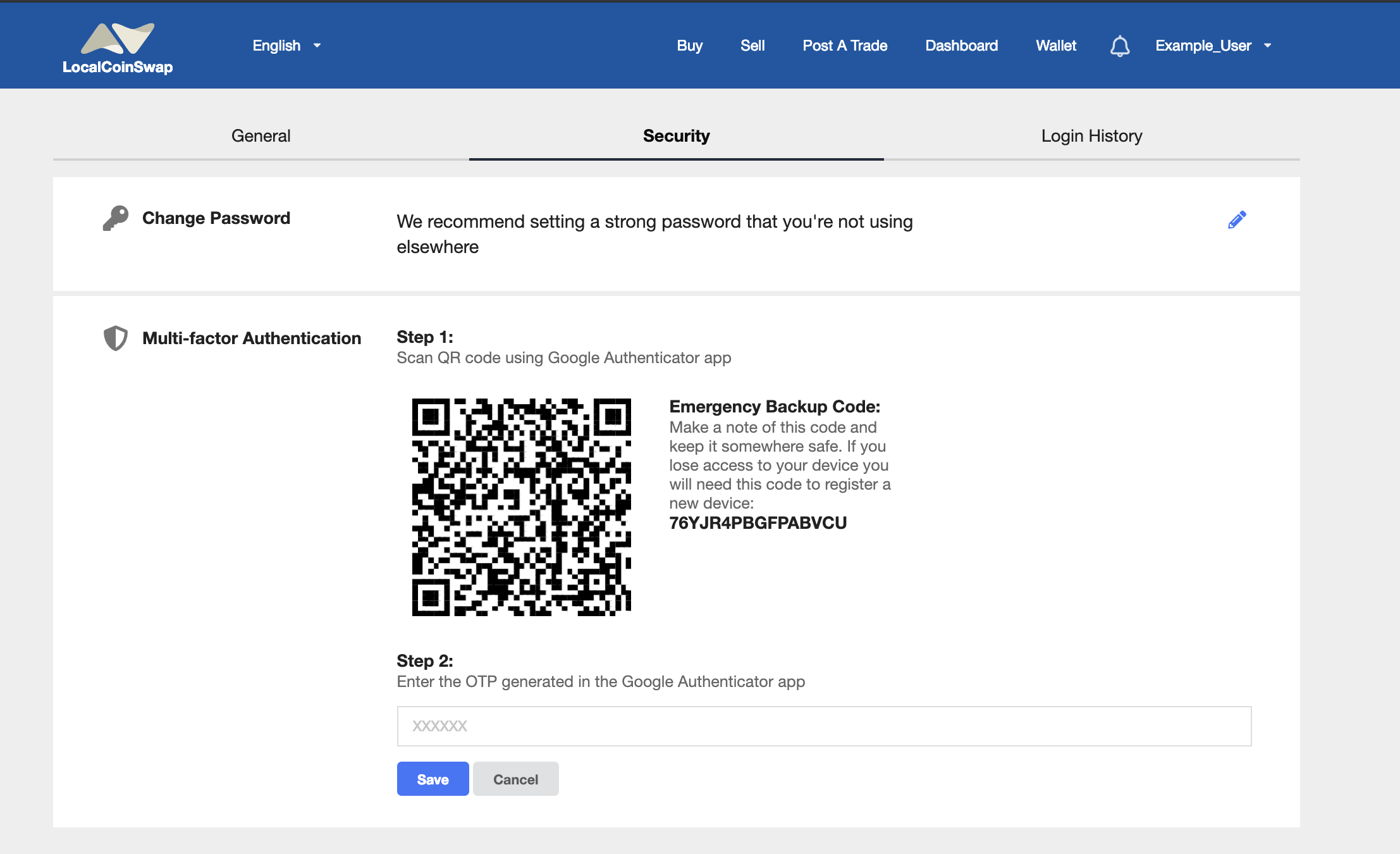
To add your MFA to a new phone, follow these steps:
1. Open Google Authenticator on your new device and click the red + button:
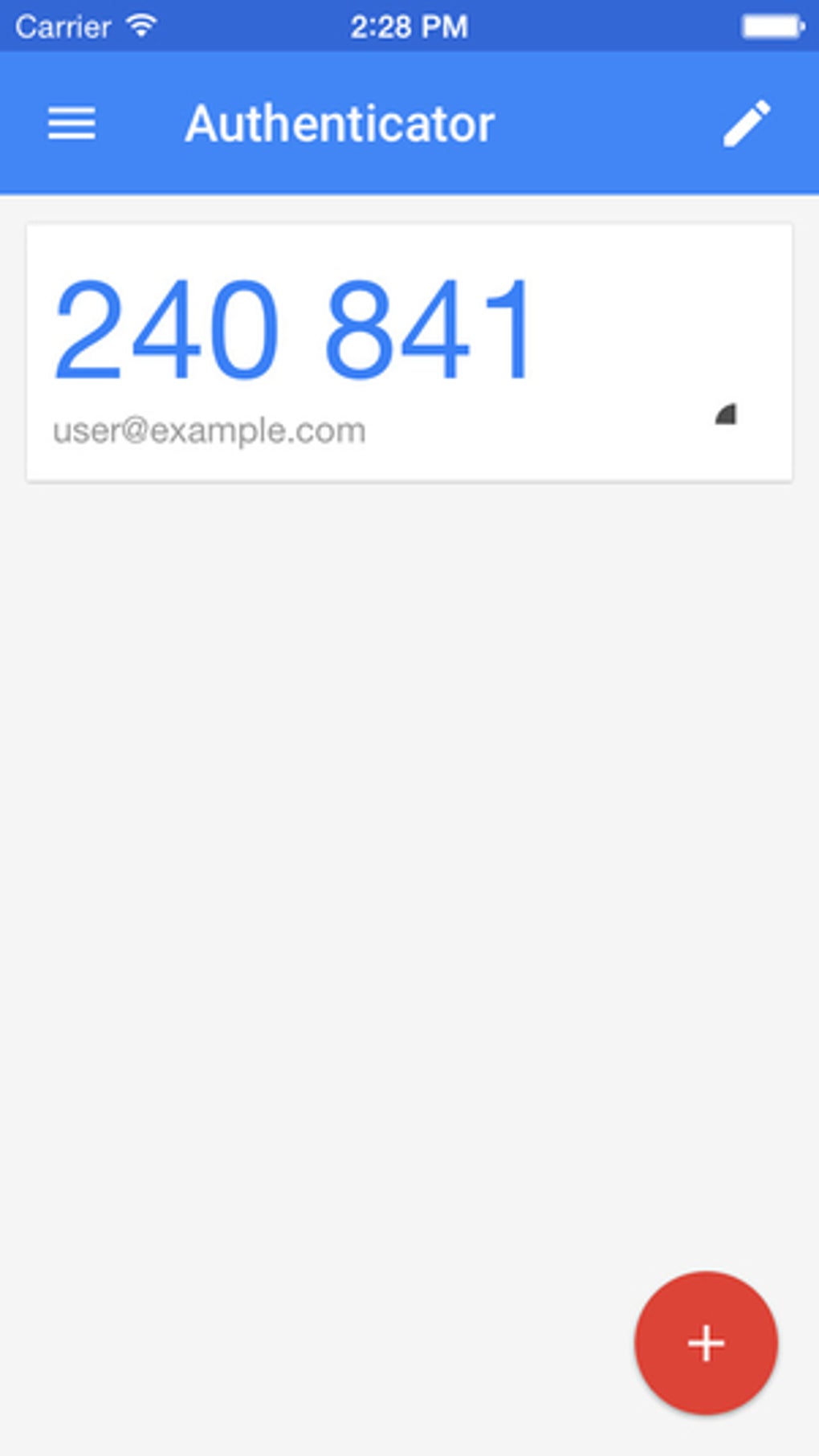
2. Press "Enter a provided key":
3. Input a recognizable "Account name" and enter your Emergency Backup Key into the "Your key" section. Also, make sure it is set to "Time-based":
4. Press "Add":
You now have your MFA set up on your new device and can continue to use your account in its full capacity!
If for some reason you don't have access to your MFA backup, please contact support to proceed with a manual verification process.
Comments
0 comments
Please sign in to leave a comment.